How to Turn a Merch-Table QR Code Into a Fan List You Can Text After the Show
Say you play six shows over three weeks and about 250 people come through the door each night. That is 1,500 people who already liked you enough to buy a ticket, and by default you leave with none of their contact details. A QR code on the merch table can change that, but only if it opens the right thing. This guide covers what the code should point to, how to generate and test it in Sonikit, and how to size the result before you print anything.
Point the code at one job, not a menu of links
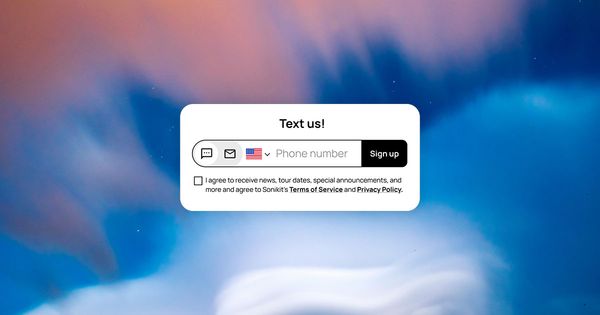
A scan happens standing up, in a loud room, with one hand on a phone. Whatever loads has to make sense in about five seconds. That argues for a single-purpose landing page with two things on it: a text signup and a follow button. A page with nine links gives the fan nine ways to leave without giving you anything.
If you already have a release page, you don't need a second design. Each component on a Sonikit landing page has its own share button in the top right corner, and the link it copies opens the page directly to that feature in a pop-up modal. The QR code in the Sharing tab points to the landing page itself, so if you want the signup to open first, generate a code for the component link with any QR generator instead.
Before you print, decide what the signup promises. Fans should know what kind of texts they are agreeing to and how often. The basics are covered in how to collect fan phone numbers legally, and they matter more at a merch table than anywhere else because the fan is standing there deciding whether to trust you with a number.
Generate and test the code
You'll need a published landing page with your signup on it. Then:
- Open the Landing Page Editor for the page you want fans to land on.
- Go to the Sharing tab.
- Under QR Code, download the code for your printed materials.
- Copy the Short Link from the same tab and print it under the code. Some fans' cameras won't scan a code on a sticker in dim light, and a short link they can type is the fallback.
- Settle the page address before you print. If you're on a Pro or Enterprise plan and want your own domain, connect a custom domain first (custom domains aren't available on other plans), then download the code again so the printed version matches the final address.
- Test it the way a fan will. Turn Wi-Fi off, scan a printed proof from arm's length on mobile data, and submit your own number through the signup. Success means the page loads in a few seconds, the form completes, and your number appears as a new contact in your audience.
To see what the merch table added, compare your fan list before and after the run of shows, and note the dates.
Give people a reason to scan
"Join our list" is a weak reason. A specific one works better: follow on Spotify and get a discount code for tonight's merch. Fan Rewards can hand a fan a unique code for your Shopify store when they follow or save, and shows the code on the page right after the action, so the reward lands before they walk back to the table. Fan Rewards needs a connected Shopify store, so set that up before the tour, not the afternoon of the first show.
Say the offer from the stage once, before the last song, and put the same sentence on the sign at the table. Two lines of print is plenty: the reward and the code.
Answer the questions fans and bandmates will ask
What if the venue has no signal? Print the short link under the code and ask the venue for Wi-Fi details, or put the sign near the door where reception is usually better. A code nobody can load is worse than no code.
Which plan do I need? A custom domain for your short link requires Pro or Enterprise. For everything else, check what each Sonikit plan includes before you order print.
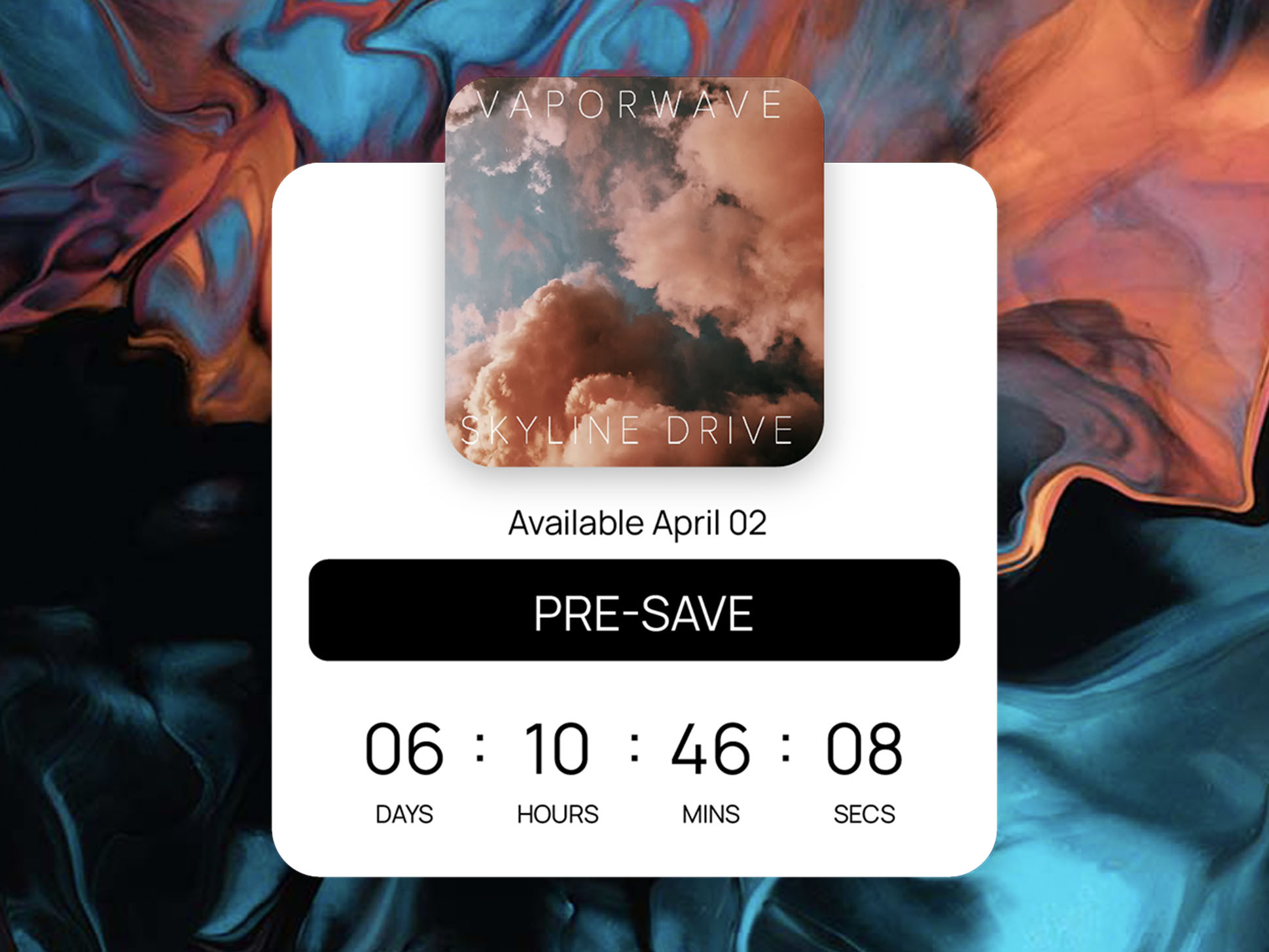
Should the code point at my release page instead? Only if that page leads with the signup. A page that opens on a streaming button asks the fan for less than you need tonight.
Size the result before you print
Here is the arithmetic for the six-show run. These rates are illustrative assumptions, not benchmarks and not Sonikit data, so swap in your own.
| Share of the 1,500 attendees who scan | Scans | Opt-ins if 4 in 10 finish the signup |
|---|---|---|
| 2% | 30 | 12 |
| 5% | 75 | 30 |
| 8% | 120 | 48 |
Even the middle row is 30 phone numbers you didn't have before the tour, from people who were in the room. The gap between the top and bottom rows is almost entirely decided by the stage mention and the reward, which is why those matter more than the sticker's design.
Text them while they still remember the night
The list is only worth something if you use it. Send one message within a day of the show: a thank-you, one link, and nothing to buy. Something like: "Thanks for coming out in Denver tonight. Here's the setlist and the closer we ended on: [link]. Reply STOP to opt out." That is a sample for you to adapt.
Save the sales messages for the next date announcement. Tour announcements by SMS covers how to time those, and selling out more live shows with SMS covers what to send to fans who are close enough to a venue to actually come.
Before your next show
- Pick or build the single-purpose landing page and confirm the signup works.
- Download the QR Code and copy the Short Link from the Sharing tab. This guide to sharing your landing page walks through each option.
- Print one proof and test it on mobile data.
- Write the stage line and the table sign with the same offer.
- Note your list size the morning of the show so you can measure the difference afterward.