Spotify Artist Profile Protection: What Happens to a Release Before You Approve It
With Spotify's Artist Profile Protection off, or on in its default Review mode, a release with your name on it goes live as scheduled unless you remove yourself. In Block mode, a release stays off your profile until you approve it, and if nobody approves by release day, it won't list you. Spotify says the feature reaches all artists by the end of 2026.
Spotify launched Artist Profile Protection as a limited beta in March 2026. On October 20, Spotify said thousands of artists had opted in and that it is making the tool available to everyone by the end of the year. The same update says Spotify kept more than 50 million "slop and spam" tracks out of recommendations this year and removed more than 75 million spammy tracks from the platform. Misattributed and fake releases are the problem the feature targets. It also changes what can go wrong on a normal release day, which is what this post covers. If you're also trying to understand what your profile can and can't tell you about fans, see what follower data artists actually get from Spotify.
What Artist Profile Protection does
Artist Profile Protection sends you an email when music is delivered to Spotify with your name attached, then lets you decide whether that release appears on your profile. Spotify's introduction to the feature describes it as optional, and releasing music still works the way it always has if you don't turn it on. Admins and Editors on your Spotify for Artists team can manage the setting.
You can be flagged on a release in any credited artist role Spotify tracks for this, including main artist, featured artist, and remixer.
Review mode vs. Block mode
The feature has two modes, set out in Spotify's support guide to protecting your artist profile. They behave very differently when you do nothing.
| Setting | If you take no action | What you can do | Risk to a real release |
|---|---|---|---|
| Protection off | Releases appear as delivered | Report mistakes with Spotify's content mismatch form | None from the feature. Wrong releases can still land on your profile. |
| Review (the default when on) | The release goes live as scheduled | Remove yourself, up to 28 days after the release date | Low. Nothing is held back. |
| Block (advanced, limited access) | The release won't list you | Approve or decline, up to 28 days after the release date | Real. A legitimate release can miss your profile on release day. |
In Block mode, an approved release appears on your profile and counts toward your stats and recommendations. A declined release won't list you and won't count. Spotify notes that approvals can take up to 24 hours to process, and undoing a decision means contacting Spotify.
Spotify also says not to use decline for a wrong role, a typo, or an artwork problem. Those go through Spotify's usual process for fixing music issues.
What happens on release day if nobody approves
In Review mode, nothing is held: the release goes live on schedule and counts toward your stats from the release date. In Block mode, a release that still needs approval on the release date won't list you as an artist. Spotify's guidance for music providers states this directly, and there is no automatic approval.
Collaborations add a second layer. Approval is required for any artist on the release who has opted into protection. A featured artist or remixer who doesn't act can be left off while the release goes live without them. A main artist using Block has to approve before the release goes live for anyone listed on it.
One more limit: removing yourself on Spotify only affects Spotify. The release may still appear under your name on other streaming services, so tell your distributor or label when something is wrong.
How the artist key works with your distributor
In Block mode you get an artist key. It confirms that whoever delivers the release is authorized to deliver to your protected profile, so releases sent with a valid key don't need manual approval. Without one, every release waits for you.
- Share it only with distributors and labels you trust. Anyone with the key can deliver to your profile without review.
- Refreshing the key has a side effect. Releases sent with the old key that aren't live yet may need manual approval.
- Not every provider supports keys during the beta. Some providers' releases may not be eligible for approval or removal yet.
- The provider name you see may not match the brand you know. Check with your distributor before approving or declining something that looks unfamiliar.
What this looks like for a single with a featured artist
Say your single comes out Friday, December 11, and your distributor delivers it on November 13, four weeks early. You've switched on Block mode but haven't shared your artist key, and your featured artist uses Block too.
Both of you get an email in mid-November. You approve on November 14. Your featured artist misses the email. On December 11 the song goes live on your profile, but without your featured artist listed, and it doesn't count toward their stats. They can still approve within 28 days of the release date, but every pre-save reminder, announcement text, and playlist pitch that went out on release day pointed fans at a release missing one of its artists.
Now run the same release in Review mode for both of you. It goes live with both names on December 11, and either of you could still remove yourself later. For most independent artists who release through one distributor, Review mode gives the protection without the release-day risk.
If your campaign builds toward a specific date, such as a Spotify countdown page or a pre-save push, treat approval as a launch task with its own deadline a few days before release day.
What to do before the feature reaches your account
- Decide who on your team should manage it. Only Admins and Editors can change the setting.
- Start with Review mode. It flags new deliveries without holding anything back.
- Use Block mode only if your profile is a target. Repeated fake uploads or a common artist name are good reasons.
- If you use Block, give your artist key to your distributor and confirm they support it.
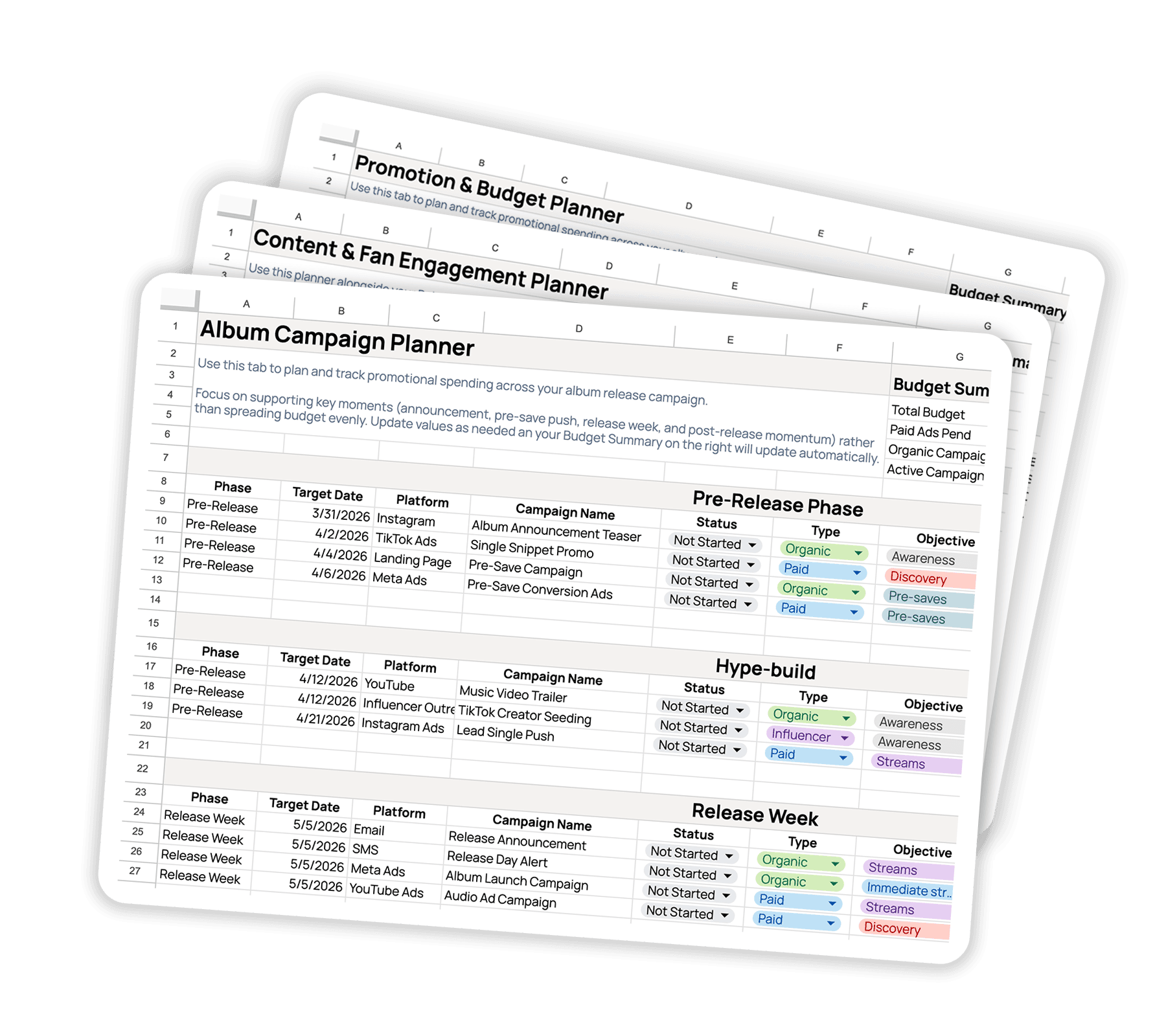
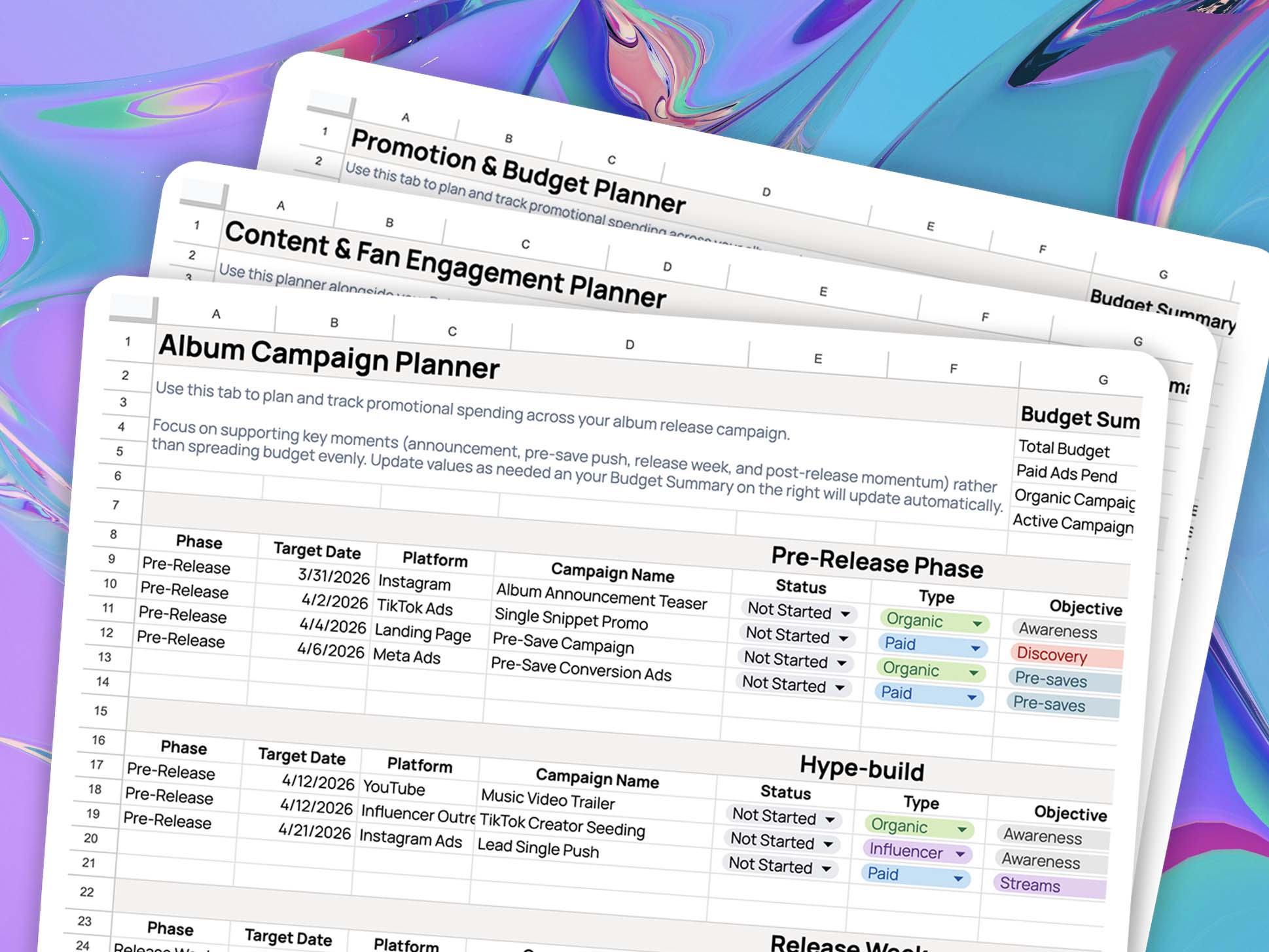
- Put an approval deadline in your release plan, at least two days before release day, given the 24-hour processing time.
- Tell your collaborators. Ask featured artists whether they use Block, and remind them to approve.
- Without the feature, report problems directly using Spotify's content mismatch form.
For the full release-side picture, from delivery dates to pre-saves, read the complete guide to Spotify pre-saves and how music distribution works for independent artists.