How to Build a 3-Step Action Flow: SMS Sign-Up to Pre-Save and Follow
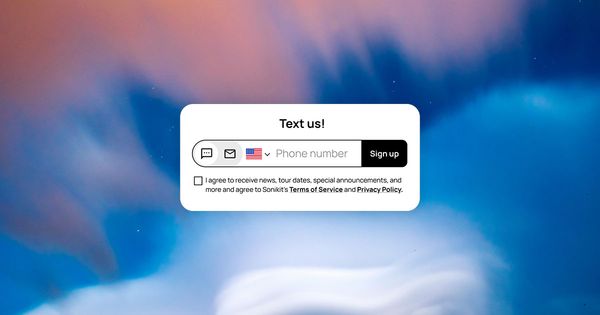
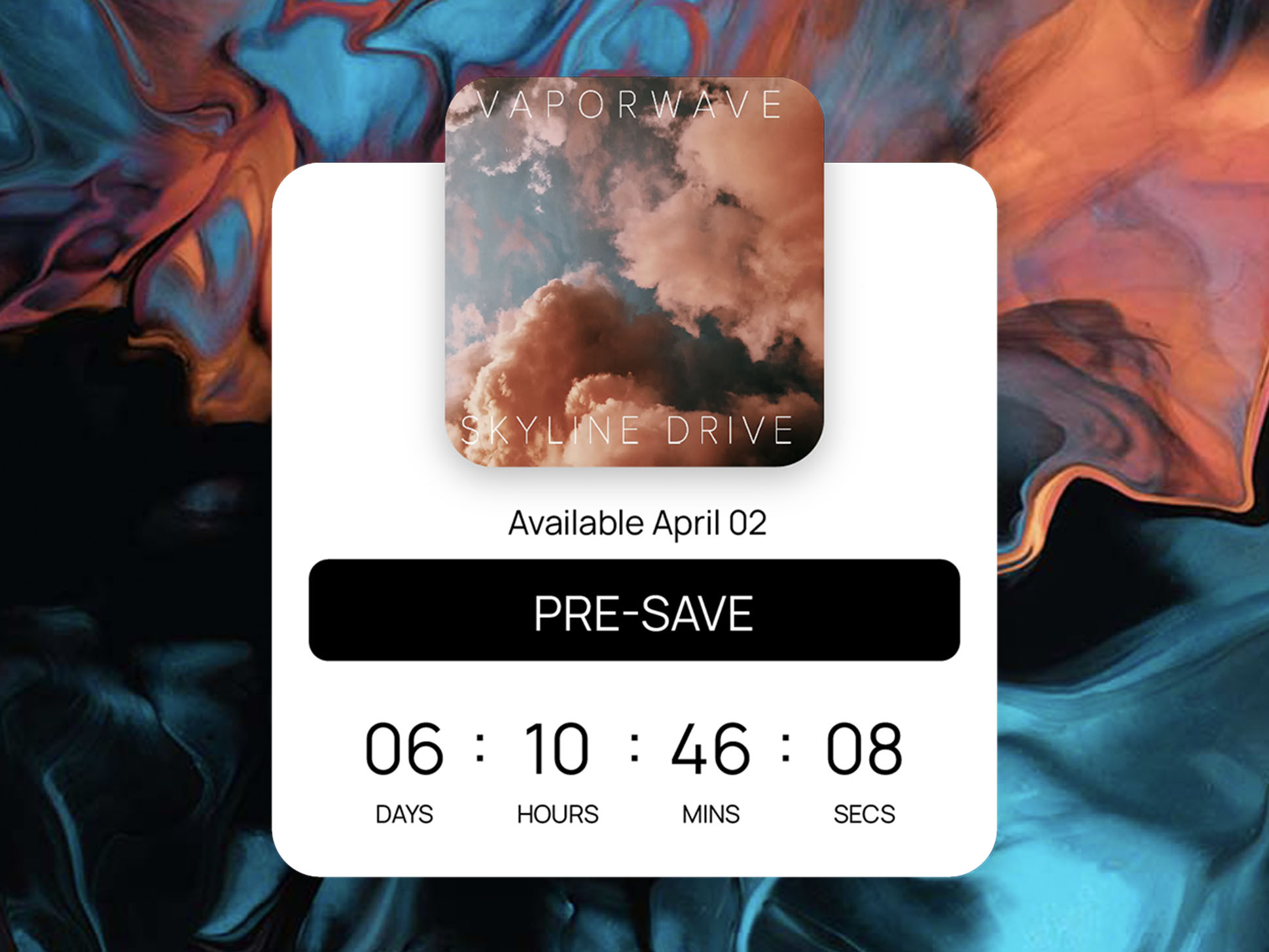
Say your next single comes out in six weeks, and you’re promoting a text sign-up alongside the pre-save: a phone field on the release page and a keyword you mention in captions and from the stage. Every fan who signs up is someone you can text on release day. With one Action Flow, that same sign-up can also pre-save the single, follow you on the fan’s streaming service, and send a confirmation text, automatically, as soon as the fan joins.
This guide walks through building that three-step flow in Sonikit, writing the confirmation text, and keeping the flow useful after release day. By the end, you’ll have a standing welcome flow that turns every new SMS subscriber into a pre-save and a follow.
What the three-step flow does
The flow starts when a fan signs up for your texts, then runs three steps in order:
| Part | What runs | Why it’s in the flow |
|---|---|---|
| Trigger | Fan signs up via SMS | Starts the flow the moment a fan joins your text list, from a landing page form or an opt-in keyword |
| Step 1 | Pre-save release | Pre-saves your upcoming release for the fan |
| Step 2 | Follow artist | Follows you on the fan’s streaming service |
| Step 3 | Send a text | Confirms what just happened and tells the fan when the release lands |
Once a fan signs up, all three steps run automatically, one after another, with nothing more for the fan to do. One sign-up becomes three results: a subscriber, a pre-save, and a follow. If you want other starting points once this one is running, these five Action Flow recipes use different triggers.
What you’ll need before you build
- An active Sonikit phone number. The confirmation step sends from it, and fans who opt in by keyword text it.
- Your release set up as a pre-save in Sonikit. Create the pre-save first so it’s ready to select in step 1.
- A way for fans to sign up. A phone sign-up form on your release page, a custom SMS opt-in keyword, or both. If you’re new to collecting numbers, read up on collecting fan phone numbers the right way before you promote the keyword.
Build the flow in Sonikit
Open your Sonikit dashboard next to this guide and work through these steps in order.
- Click Action Flow in the left sidebar, then click New Action Flow in the top right corner.
- Choose Fan signs up via SMS as the trigger. A project has one SMS sign-up flow, so this becomes the welcome every new text subscriber in the project receives. See every trigger you can start a flow from if you plan to build more flows later.
- Add the first step, Pre-save release, and select the pre-save for your upcoming single.
- Add the second step, Follow artist, and enter your artist URL from a streaming service. Sonikit matches it to your profile on the other supported services.
- Add the third step, Send a text, and paste in your confirmation message (the next section covers what to write).
- Save the flow. It’s active right away and runs on the next sign-up, with nothing to publish or schedule.
- Test it with your own phone. Sign up through the same form or keyword your fans will use, then check that the confirmation text arrives from your Sonikit number and that your own fan profile shows the pre-save and follow in its recent activity. When both check out, the flow is ready to promote.
Write a confirmation text fans will open
The third step is the only part of the flow a fan actually reads, so it has three jobs: confirm what happened, give the release date, and show how to opt out. Keep it short enough to fit in a notification preview.
Here’s how that could read for a single” releasing on a Friday:
You’re in! The new single is pre-saved and you’re following us. It’s out Friday, Nov 13, and we’ll text you the day it drops. Reply STOP to opt out.
Name the release, give one date, and leave out links the fan doesn’t need yet. Longer messages can use more than one credit, so a tight confirmation also keeps usage predictable. For more on tone and length, see how to write text messages fans respond to.
What this looks like across a six-week single rollout
Say you open sign-ups six weeks before the single comes out. Over those six weeks, 900 fans enter their number on the release page and another 500 text the keyword PRESAVE after shows and from your captions. Each of those 1,400 sign-ups runs the flow once, so each fan gets the pre-save, the follow, and one confirmation text.
On release day, you send your release-day text to 1,400 fans who have already pre-saved the single and followed you. The message becomes a reminder to listen, not a request to take three more actions.
Keep the flow working after release day
Because this flow greets every new subscriber, update it as your release calendar moves.
Point step 1 at what’s next
Once the single is out, change the first step to the pre-save for your next release. Or replace it with Save future releases so new subscribers opt into NextSave, which saves every future release to their library when it comes out. NextSave is available on Pro and Enterprise, and it means the flow keeps working between release cycles without another edit.
Add a segment step for later campaigns
A fourth step, Add to segment, tags everyone who joined during this rollout (a single segment, for example). Later you can text just those fans about the video or the tour instead of your whole list. Segmenting fans for more personal texts covers how to use those groups.
Build it before you announce
Set up the pre-save for your next release, then build this flow before the first post goes out, so the very first fan who signs up gets all three steps. Keep this walkthrough of creating an Action Flow open while you work if you want each screen in front of you.