New Project or New Landing Page? How to Structure Sonikit for Multiple Releases, Artists, or Tours
You finished one release campaign in Sonikit and the next single is six weeks out. The obvious move is a fresh project for a clean slate. For a solo artist that is usually the wrong one. A project isn't a folder for a campaign. It is a boundary around a fan audience, an analytics dashboard, a phone number, and your connected accounts. Draw that boundary in the wrong place and you split your fans across lists you'll later have to merge in your head. This guide helps you decide between a new project and a new landing page inside the one you have.
The two options at a glance
Everything you build in Sonikit lives inside a project, and each project keeps its own audience, analytics, and messaging channel separate. Here's more on when to create a new project.
| Dimension | New landing page in your existing project | New project |
|---|---|---|
| Fan audience and segments | One audience shared across all pages | A separate audience per project |
| Analytics dashboard | One dashboard covering every page | A separate dashboard per project |
| SMS phone number | One number for the project | Its own number |
| Instagram account | One connected account | One connected account per project |
| Integrations | One connection per type, such as one Shopify store | One connection per type, per project |
| What it uses up | Your plan's landing page limit | Your plan's project limit |
| Best for | One artist with many releases | Artists, brands, or stores that must stay apart |
One scenario for both
Say a singer-songwriter releases three singles over 12 months and about 1,200 fans join the list around each one. To keep the math simple, assume no overlap between them. This is an illustration, not Sonikit data.
New landing page in one project: a single list that keeps growing
What it keeps together. Every fan who signs up lands in one audience, and every page reports to one dashboard. The one SMS number you've built trust with stays the sender.
Who it's for. A single artist or band with several releases, tours, or campaigns. If you're one independent artist, this is the route to take: add a landing page or embed for each campaign inside your existing project.
In the scenario. By the third single the project holds 3,600 fans in one audience instead of three lists of 1,200. Someone who joined for release one is already there when release three goes out, so you spend your effort reaching them instead of re-earning them. You can also compare all three campaigns in one dashboard.
The downside. Everything shares one boundary. If you later take on a second artist, or you want a different Instagram account or Shopify store for a side project, those fans and connections will mix with these.
Verdict. The right default for one act.
New project: hard separation
What it separates. Fan data, the phone number, the Instagram account, and integrations. Create a new project when you need to fully separate any of those from another project.
Who it's for. Labels and management companies running several artists, and anyone with a second brand or a second store that shouldn't share a fan list or a sender.
In the scenario. Three projects means three audiences of 1,200, three phone numbers, and three sets of connections, and the fans from single one are not in project two's list. You would re-earn them each time. Nothing about that is wrong if the three releases are three different artists. It is costly if they are one.
The downside. More to set up and maintain, and each project counts against your plan's project limit.
Verdict. Right when keeping things apart is the goal, and wasteful when it isn't.
Where the choice actually matters
For one act the two options often look the same for a while. The difference shows up when one of these is true:
- A second artist joins. Their fans, texts, and numbers shouldn't be mixed with the first artist's.
- You need another Instagram account. A project connects one.
- You need another store. A project gets one connection per integration type, so a second Shopify store needs a second project.
- The two audiences would receive very different messages. If you'd never text the same people about both, they belong apart.
Plan limits set the ceiling. Basic includes one project and one landing page, Pro includes up to 10 landing pages and projects, and Enterprise includes up to 50. For a roster, that means eight artists with one page each fits within Pro. You can compare current plan limits before you plan around the ceiling.
Use one, the other, or both
- Use a new landing page in the same project when you are one artist or band and the new release, tour, or campaign is for the same fans.
- Use a new project when you need a different fan list, phone number, Instagram account, or store from what you already have.
- Use both when you run a roster. Give each artist their own project, then add a landing page per release inside it.
Default for a solo artist: one project, a new landing page for each release, and a segment for fans who joined around a particular campaign if you want to message them separately.
Do this next
If a new project is the right call, the steps are short. The full guide to creating a project has more detail:
- Go to your Sonikit home page.
- Find the project list in the bottom left and select Create New Project, or use the top navigation bar.
- Enter the project details.
- Connect the phone number, Instagram account, and integrations that belong only to this project.
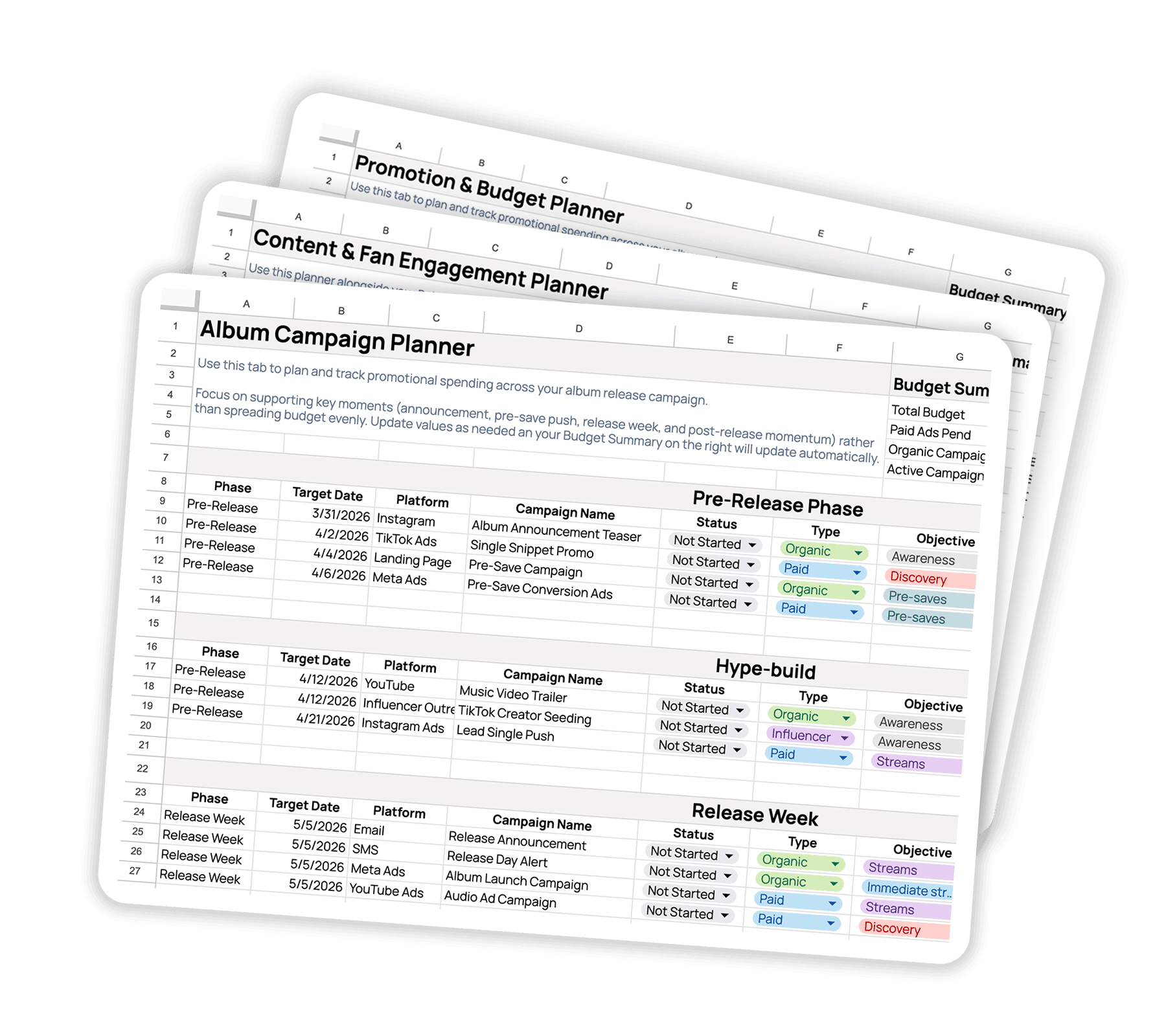
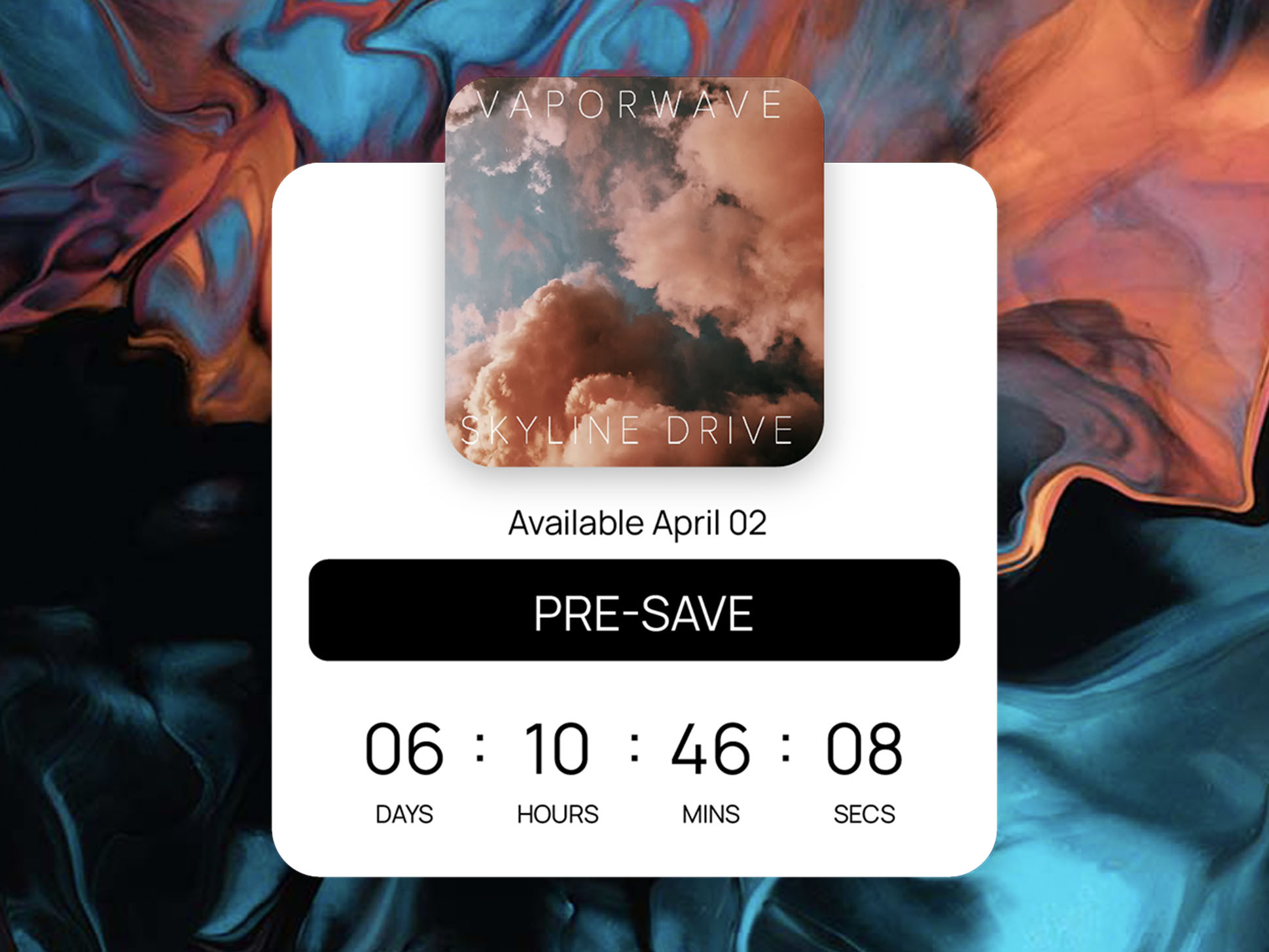
- Build its first landing page, using how to structure a music landing page that converts as a layout guide.
If you decided to stay in one project, build the next release's landing page inside your existing project, and read how Audience Insights works with fan profiles so you know what the shared audience already tells you.