Which Action Flow Trigger to Use at Each Stage of a Release
Say you're releasing a single in six weeks, and your Pro account has 10 Action Flows with up to 6 steps each. Most artists build one flow, usually for pre-saves, and leave the other nine slots empty. This guide matches each of the eight triggers to the moment in a release when it earns a slot, so your flows cover the whole rollout instead of one week of it.
An Action Flow starts when a fan does something, then runs its steps on its own in the background. Action Flows support eight triggers: texting a keyword, following an artist, pre-saving a release, adding music to a library, commenting on Instagram, sending an Instagram message, opting in to email, and opting in to SMS. The trigger you pick should tell you what is reasonable to do next. A fan who just pre-saved is ready for a follow. A fan who just opted in to SMS is ready for a text.
What you'll need
- A Sonikit account. Choose the plan that best fits your campaign.
- A release to point at. Any pre-save, follow, or save step needs the release or artist you want fans to act on.
- A unique keyword for each keyword flow. Custom SMS opt-in keywords are included on Pro and Enterprise.
Match the trigger to the moment
Read this table as a menu. You will not use every row for every release, but each row answers a different question about where the fan is.
| Release moment | Trigger | What the fan just did | Plan |
|---|---|---|---|
| Announcement post | Commenting on Instagram | Left a comment on your post | Pro or Enterprise |
| Direct messages | Sending an Instagram message | Messaged your account | Pro or Enterprise |
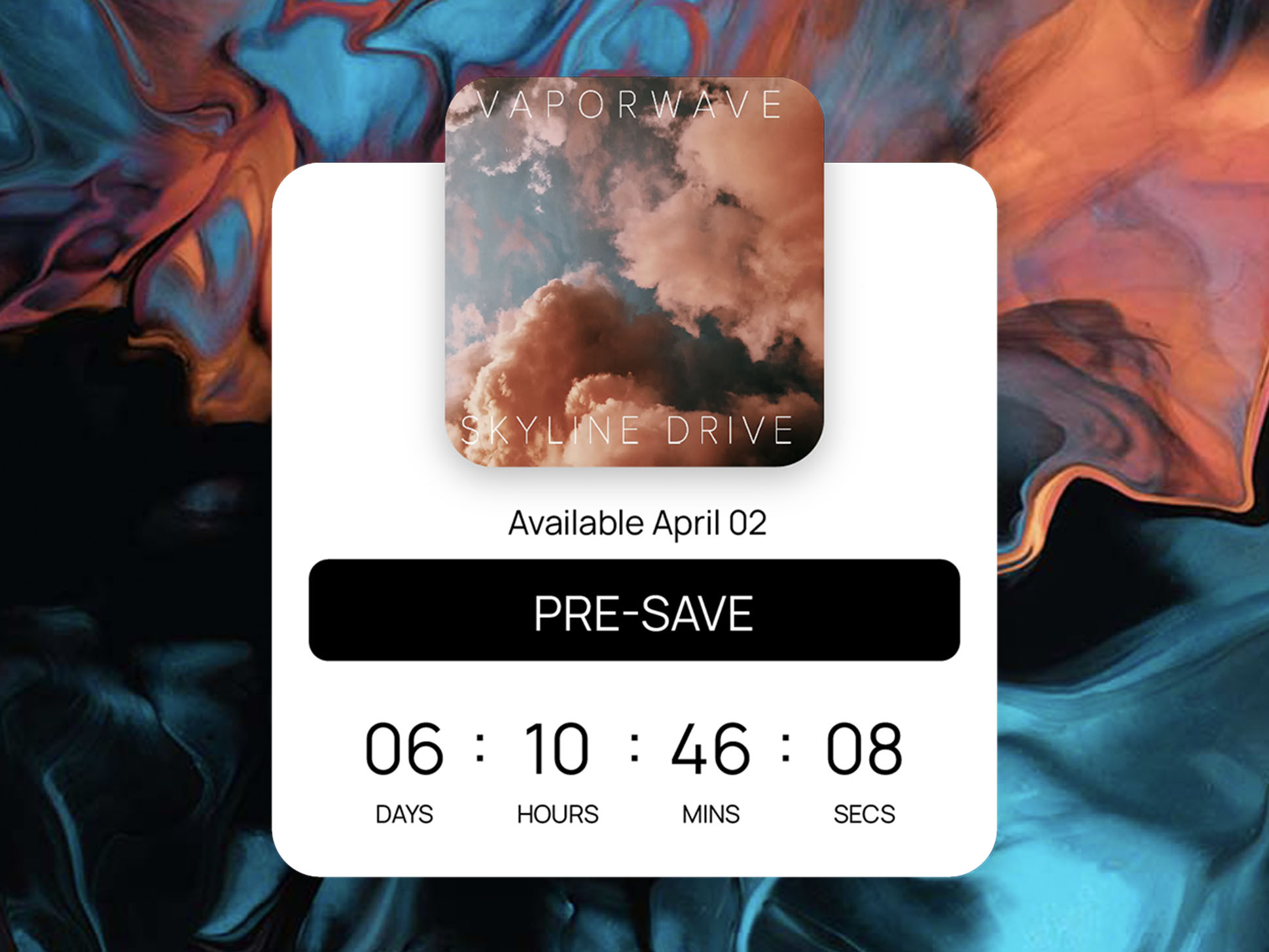
| Pre-save window | Pre-saving a release | Pre-saved on your page or embed | All plans |
| Release day | Adding music to a library | Saved the track or album | All plans |
| After a pre-save or save | Following an artist | Followed your artist profile | All plans |
| Shows, posters, stage screens | Texting a keyword | Texted your keyword to your number | Custom keywords: Pro or Enterprise |
| Any sign-up form | Opting in to SMS or email | Joined your list | All plans |
What this looks like for a six-week single rollout
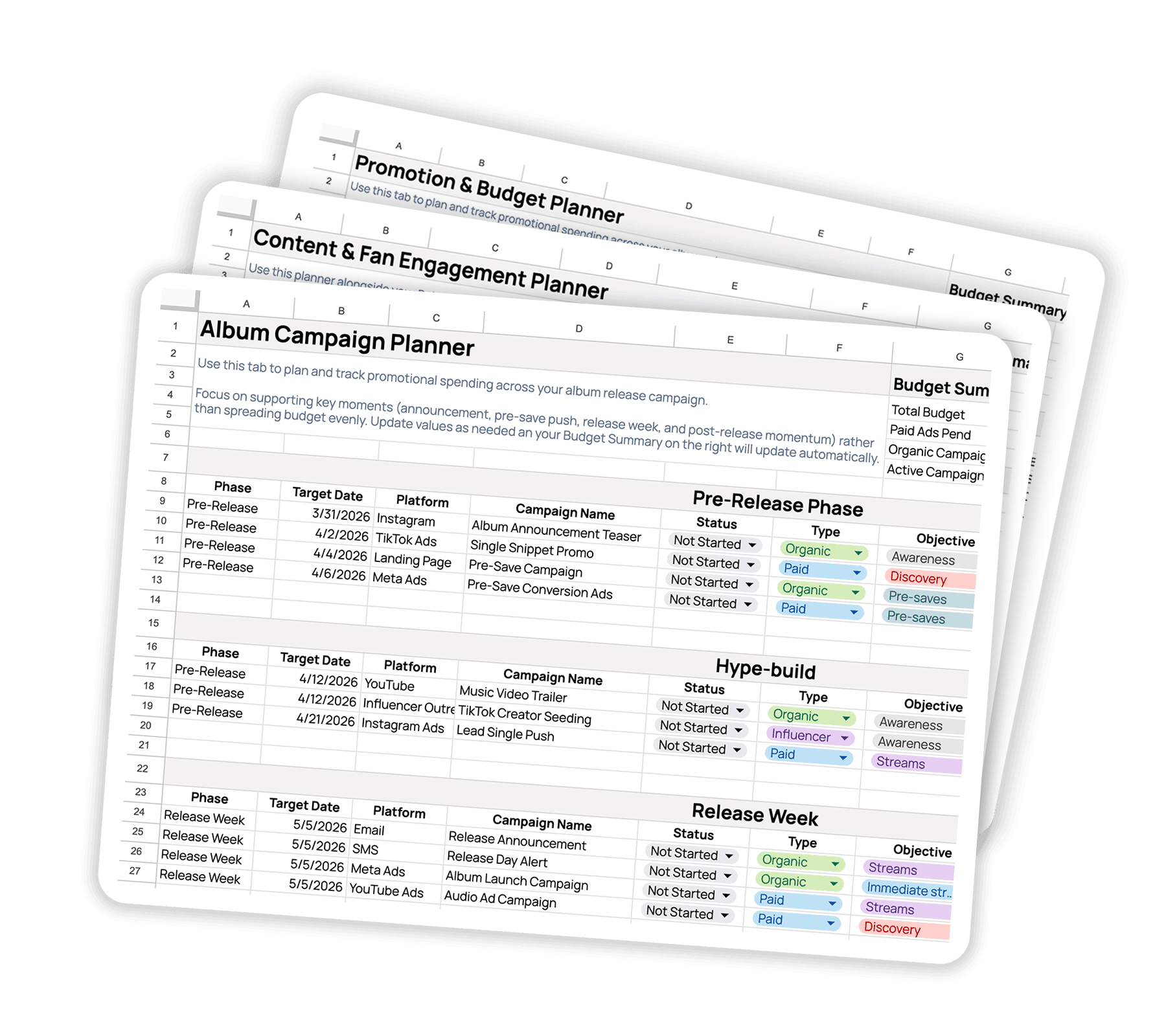
Here is one way to spend five of your ten flows. The numbers are made up for the walkthrough; swap in your own dates and list sizes.
Week 6: the announcement flow
You post the cover art and ask fans to comment a word to get the pre-save link. Set an Instagram comment trigger and add a direct message step with the link. That is a 2-step flow, and it means nobody has to watch your comments for the next three days.
Weeks 6 to 1: the pre-save flow
Trigger on a pre-save of your release. Add a follow step for your artist profile and a text step that thanks the fan and tells them the release date. Say 1,200 fans pre-save over the six weeks: every one of them gets the same follow and the same text without you touching it.
Week 3: the show flow
You play a support slot and put a keyword on the stage screen. Texting that keyword triggers a flow that sends a text with your pre-save link. If you only have a printed poster or a merch table sign, the same flow works from there; the keyword is what triggers it, not the place the fan saw it.
Release day: the library flow
Trigger on a fan adding the release to their library. Send a text that points them to your next show or a merch page. The fans who save on day one are your warmest audience, so give this flow its own message instead of reusing the pre-save text.
Always on: the welcome flow
Trigger on SMS opt-in. Send one text that says what they will hear from you and how often. That flow runs for every fan who opts in to SMS for as long as you keep it, which is why it belongs in the plan from week one. With these five, you have used half your Pro flows and have five left for the next release.
Build a flow in Sonikit
The steps are the same for every trigger. The guide to creating an Action Flow shows each screen in more detail.
- Open Action Flow in the left sidebar.
- Click New Action Flow in the top right corner.
- Choose the trigger that matches the fan's action from the table above.
- Configure the trigger. For a keyword, enter a unique word; keywords are not case sensitive, so fans do not need to match your capitalization. For a pre-save or follow, pick the release or artist.
- Add the steps in the order you want them to run, up to your plan's step limit. Instagram direct messages are available on Pro and Enterprise.
- Save the flow. It is active immediately and listens for matching fan actions from then on, with no publishing or scheduling step.
Test each flow before you announce it
Trigger every flow yourself once, from a phone that is not already in your list. For a keyword flow, text the keyword to your number. For a pre-save flow, pre-save your own release from the landing page. Success means the text arrives, the link in it opens the right page, and, for a flow with a follow step, the follow completes on the service you used. If any of that fails, fix the flow before you post.
Do this next
Pick the one moment in your next release where fans currently drop off, and build that flow first. If you want ready-made patterns, start with 5 Action Flow recipes for independent artists, or build the sign-up version in this 3-step flow from SMS sign-up to pre-save and follow. To see where these flows sit in a full rollout, read how to structure a release campaign, and if Instagram comments are your main entry point, this walkthrough of turning comments into pre-saves covers that flow end to end.